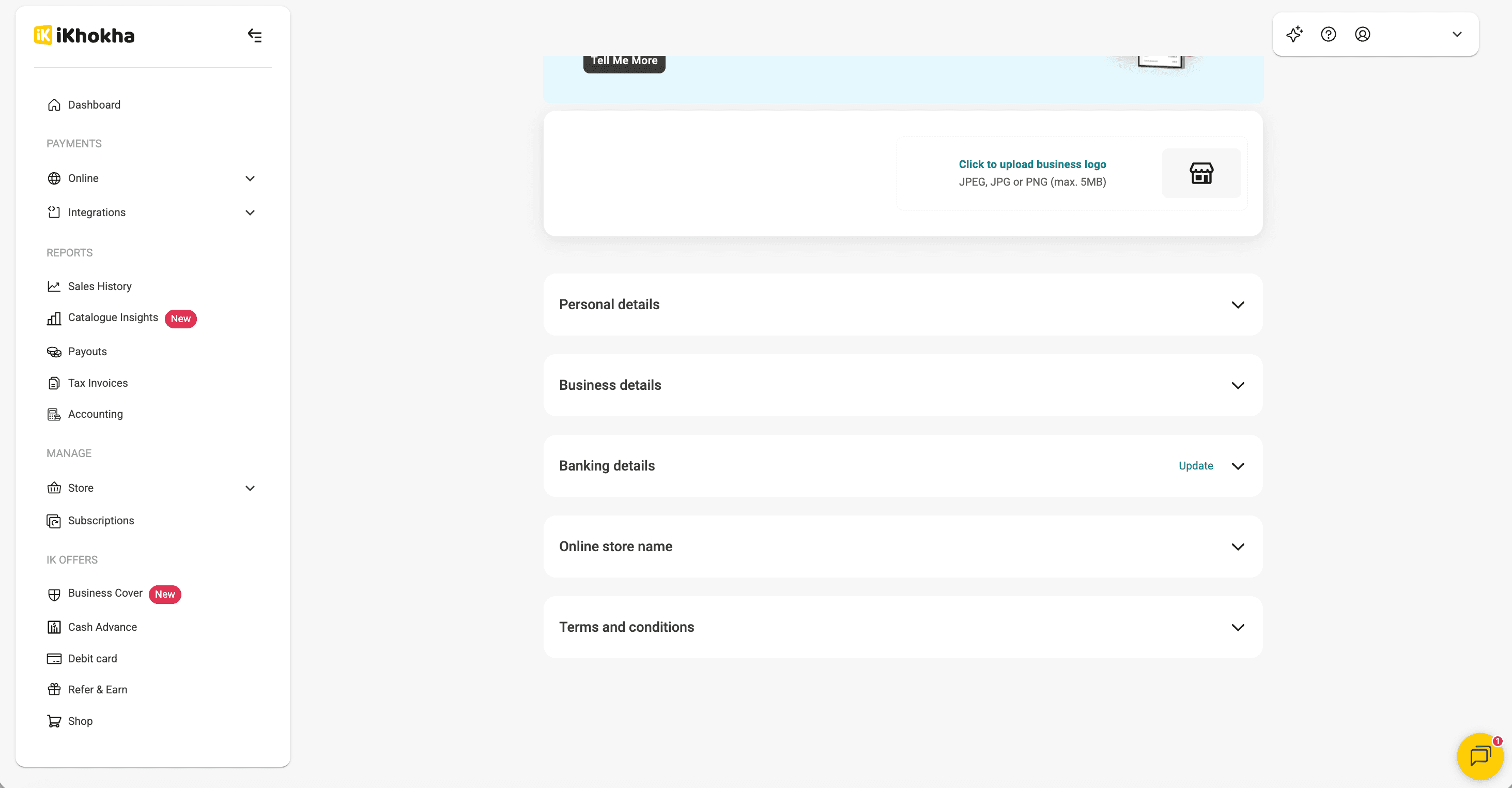
How to update your banking details
- iK Dashboard
Update the bank account where your business receives iKhokha payouts and complete the verification steps.
If your business is a Sole Proprietor or a registered business, such as a Pty Ltd, Close Corporation or Non-profit Company, you can update your bank account details directly in the iK Dashboard.
For all other business types, email your bank confirmation letter to support@ikhokha.com for help updating your details.
Update your bank account details
Follow these steps to change the bank account where you receive your payouts.
What if my changes are unsuccessful?
If iKhokha can't verify your new bank account details, you'll receive an email explaining what to do next.
You can then:
Check your details: log in to the iK Dashboard and review the bank account details you submitted.
Correct any errors: select Edit in the Banking details section to fix any incorrect information, then resubmit your details.
Send a bank confirmation letter: if your details are correct but verification is still unsuccessful, email your bank confirmation letter to support@ikhokha.com so iKhokha can help verify the account.
Cancel your request: if you no longer want to change your bank account details, select Cancel in the Banking details section of the iK Dashboard.
What is a bank confirmation letter?
A bank confirmation letter is a document from your bank confirming that your bank account exists and identifying the account holder.
You can usually download one from your bank's online banking website or app.